
The real problem is not the tool
Most small teams do not fail at picking a CRM. They fail at using one.
The first setup is usually too ambitious — fifteen pipeline stages, ten custom fields, four automations. Three weeks later, everyone is back to tracking things in their inbox.
The whole workflow on one screen
- 1Pick oneResist customizing.
- 24 stages maxNo more.
- 3Clean importActive contacts only.
- 4Weekly review15 minutes, same day.
- 5Two automationsNot more.
Step 1: Pick one CRM — and stop customizing
Pick something lightweight you will not hate logging into. Three good starting points:
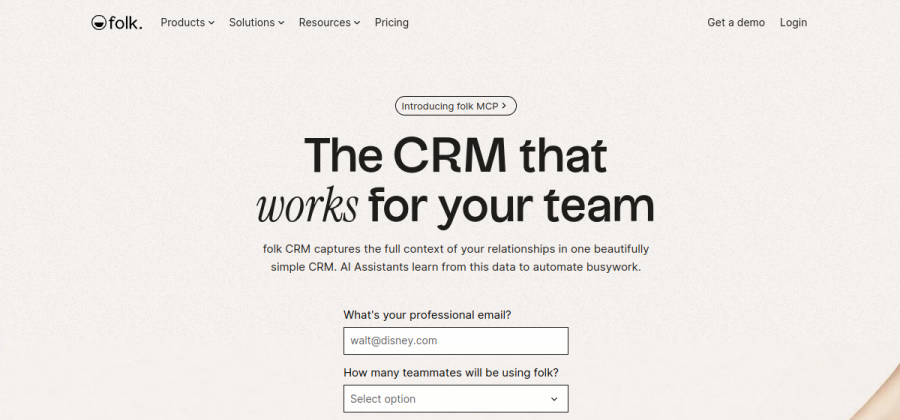

Beautiful, relationship-first CRM that feels modern. Fast enough for daily use.
Visit site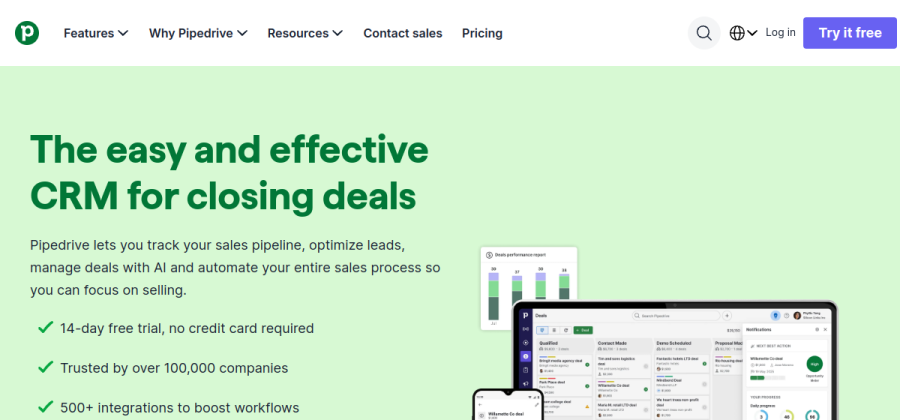

Pipeline-first and stable. Has aged well because it does one thing clearly.
Visit site

Powerful free tier with room to grow into marketing and email later.
Visit siteAll three have free or inexpensive starting tiers appropriate for a small team.
Resist customizing on day one. No custom fields. No custom stages. Default everything.
Step 2: Four pipeline stages — no more
No “qualified.” No “discovery call scheduled.” No “awaiting response.” The pipeline should tell you what to do next, not archive what happened yesterday.
Step 3: Import contacts — cleanly
Do not dump 2,000 old contacts in. You will poison the pipeline.
Import only:
- Active clients.
- People who replied in the last 6 months.
- Specific leads you actually plan to follow up on.
Everything else stays in your email archive. You can search it when you need it.
Step 4: Set a weekly 15-minute review
Every Monday, 15 minutes, same time.
For every deal, ask:
- What is the next action?
- Who owns it?
- When is it due?
Step 5: Automate only the two that matter
Do not try to automate your entire sales process. Automate the two moments that always slip:
- Follow-up reminder when a proposal has been out for 5 business days with no reply.
- New lead capture from your contact form directly into the CRM, tagged with source.
Everything else can wait until the basics are habit.
Keep it simple, keep it used
A CRM only works if it is used. A simple workflow that runs for a year beats a perfect setup abandoned in two weeks.
Next steps
- Refresh on what a CRM actually is.
- See our best CRM picks for freelancers and solo founders.
- Use the software decision checklist before committing.