
The quick answer
A solo business needs three things from invoicing software:
- Send a clean invoice fast.
- Accept card payment without a headache.
- Know what is paid, overdue and owed.
Almost every tool on this list covers those three. The difference is polish, pricing, and how much extra it tries to be.
Our top pick is FreshBooks — the smoothest solo experience, with follow-ups and payments handled automatically. If you have $0 to spend, Wave is the honest answer.
The shortlist

The smoothest solo invoicing experience. Auto follow-ups, Stripe payments, time tracking and expense capture built in.
Try FreshBooks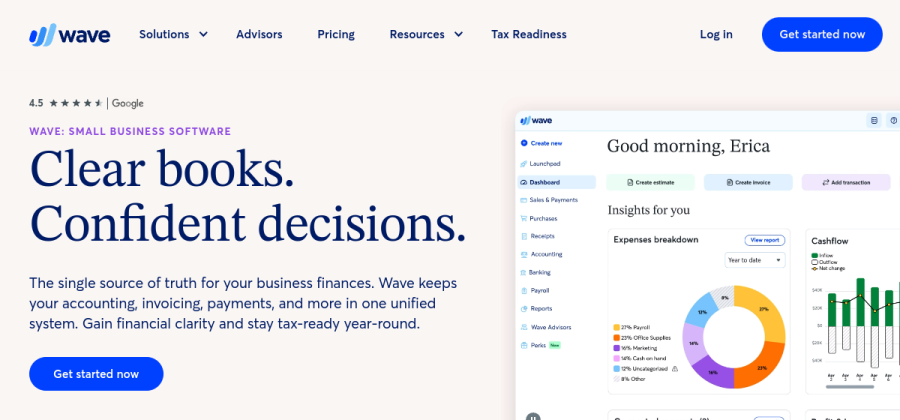
Genuinely free invoicing and basic accounting. Payments cost a fee per transaction, but the software itself is $0.
Open Wave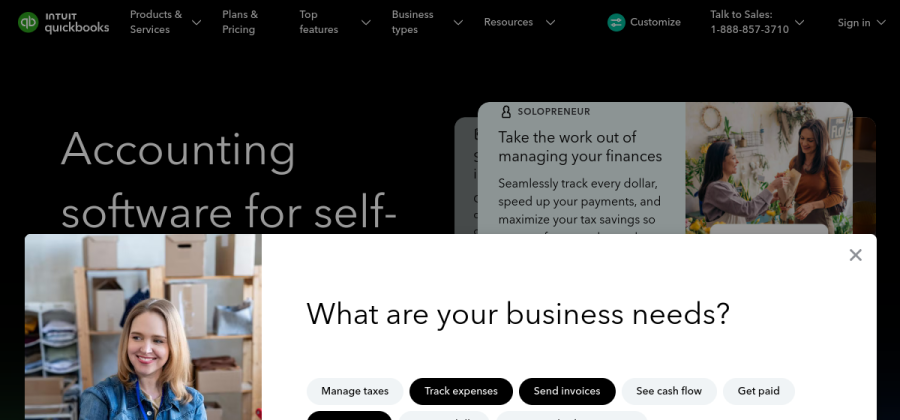
Invoicing plus quarterly tax estimates and mileage tracking. Made for US-based solos filing Schedule C.
Open QuickBooks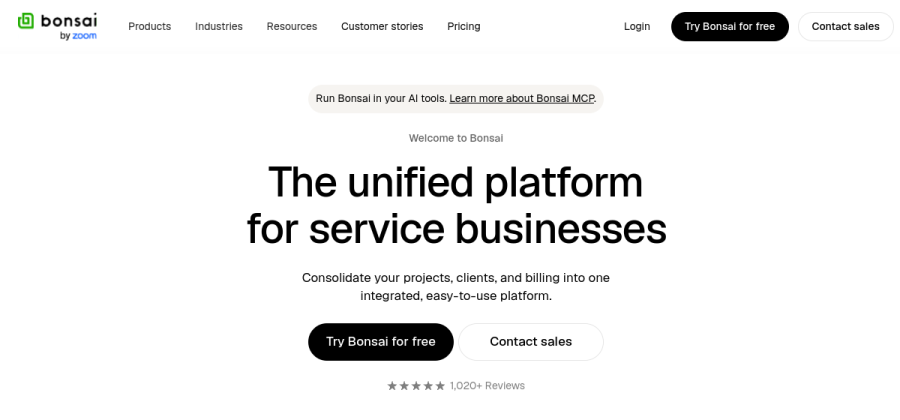
Invoices, contracts, proposals, time tracking and client portal in one tool. Built for service freelancers.
Open Bonsai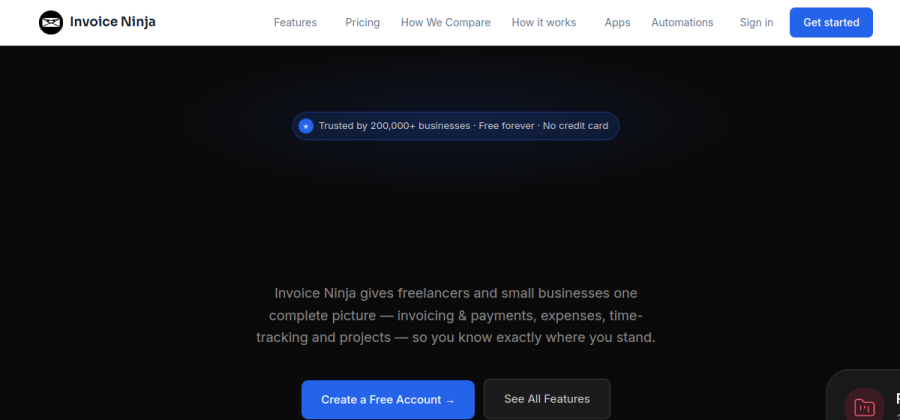
Open source invoicing. Use their hosted version or self-host on your own server. Feature-rich for the price.
Open Invoice NinjaFree tiers and plans change — always check the vendor's current page before subscribing.
How to pick, in under a minute
- 1Is your budget zero?Yes → Wave. No → keep going.
- 2Do you also send contracts or proposals?Yes → Bonsai. No → keep going.
- 3US solo needing tax estimation?Yes → QuickBooks SE. No → FreshBooks.
That flow chart sends most freelancers to FreshBooks, and for most it is the correct call.
Why FreshBooks is the default
FreshBooks solves the small-but-endless chores of invoicing: automatic reminders when a client is late, recurring invoices for retainer clients, one-click payment via Stripe or card, clean client portals where invoices live.
The paid-to-free ratio pays for itself quickly. An hour a month saved chasing payments is worth more than the subscription for most solo freelancers billing $50/hour+.
Why you might pick Wave instead
Wave is the rare “genuinely free” product. Not a free tier that traps you — the core invoicing and accounting features are free forever. The business model is transaction fees: you pay per card payment (~2.9% + $0.30), not per month.
For a solo freelancer billing a few invoices a month, Wave’s free plan is complete. You lose some polish (less automation, slower support), but not the actual invoicing capability.
Solid invoicing and accounting for $0. Pay only when a client pays by card. The honest budget pick.
Start with Wave freeWhy Bonsai is worth considering
Bonsai is shaped around the reality of a freelance engagement: a proposal, then a contract, then a deposit, then work, then invoices. One tool covers all of it, which removes the “Docusign this, FreshBooks that, Trello the thing” juggling act.
If you already have separate tools for contracts and proposals you love, Bonsai’s per-seat pricing is harder to justify. If you are starting clean, it consolidates meaningfully.
Where QuickBooks Self-Employed fits
QuickBooks Self-Employed is narrower than the full QuickBooks product. It is specifically for US-based solo operators who file a Schedule C.
It auto-categorizes expenses into tax deduction categories, estimates quarterly tax payments, and integrates with TurboTax at the end of the year. If that description is you, it is the pragmatic pick. If you are outside the US, skip it.
Common solo-business mistakes
- Using Word templates for invoices. They get lost in email threads and have no record of paid vs unpaid. Use a real tool on day one.
- Waiting to send invoices. Invoice on delivery, not at month end. Cash flow matters more than “batching admin work”.
- Ignoring late fees. Every invoice template in every tool supports them. Enabling a 1-2% late fee is free and changes client behavior.
- Missing the 2.9% payment fee in your rate. If 50% of clients pay by card, your effective hourly rate is ~1.5% lower than you think. Price accordingly.
FAQ
What is the best invoicing app for a solo freelancer in 2026?
FreshBooks for most people — fast, automated follow-ups, clean payments. Wave if you need free. Bonsai if you also send contracts and proposals.
Is there a truly free invoicing tool?
Yes. Wave charges per transaction but the software itself is $0. Invoice Ninja has a free self-hosted option if you are technically inclined.
Can I use Stripe without invoicing software?
You can send Stripe payment links, but you lose tracking, reminders and a client portal. A real invoicing tool pays for itself even on low volume.
Does invoicing software handle taxes?
Most calculate VAT/sales tax on line items. Only QuickBooks Self-Employed actually estimates your income tax — and only for US filers. For real tax prep, export reports to your accountant.
The shortlist at a glance
| Tool | Best for | Verdict |
|---|---|---|
| FreshBooks | Freelancers who want a polished, stress-free invoicing workflow. | Top pick |
| Wave | Solo businesses on a zero budget who still need real invoices. | Alternate pick |
| QuickBooks Self-Employed | US-based solos who want invoicing plus simple tax estimation. | Alternate pick |
| Bonsai | Freelancers who want invoicing, contracts and proposals in one tool. | Alternate pick |
| Invoice Ninja | Technically-minded solos who want open source with optional self-hosting. | Alternate pick |